



Pinterest Pin Templates for Digital Products
Professional Pinterest pin templates designed for digital product creators and online course sellers. Showcase your digital products effectively and drive sales with eye-catching pin designs.
Free Digital Product Pin Templates
Discover premium pin templates tailored for digital products and online courses. Each design helps you highlight your product benefits and convert Pinterest viewers into customers.

Digital Product Template 1

Digital Product Template 2

Digital Product Template 3

Digital Product Template 4

Digital Product Template 5
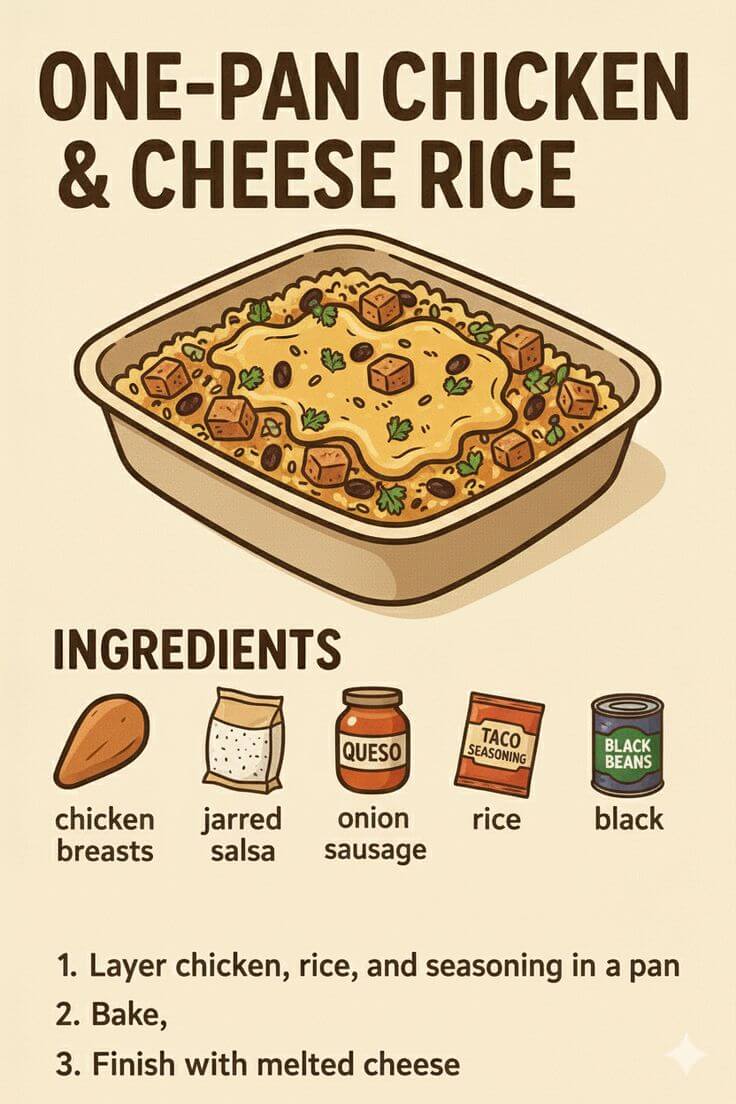
Digital Product Template 6
Tips for Creating Successful Recipe Pins
1. Highlight Key Product Benefits and Features
Digital product pin templates need to communicate value instantly. Use your pin design to showcase key benefits, features, or outcomes that customers will achieve.
Include phrases like "Instant Access," "Lifetime Updates," or "Step-by-Step Guide" directly on your pin. Clear benefit communication helps potential customers quickly understand what they'll gain from your digital product.
2. Use Professional Product Mockups and Screenshots
High-quality visuals are essential for digital product pins. Use professional mockups, screenshots, or preview images that showcase your product in the best possible light.
Create clean, organized visuals that highlight your product's key features. Pinterest users make quick decisions, and compelling product visuals are what stops the scroll and drives clicks to your sales page.
3. Include Pricing and Value Propositions
Digital product pins that show pricing or value propositions often perform better. Include information like "Only $29," "Worth $199," or "Free Bonus Included" when relevant.
Clear pricing information helps customers make faster purchasing decisions. However, only include pricing if it's competitive and you can keep it updated across all your pins.
4. Create Pins That Address Customer Pain Points
Design pin templates that address the specific problems your digital product solves. Use your pins to communicate how your product helps customers achieve their goals.
Create pins around common customer challenges and show how your digital product provides solutions. This approach attracts people actively seeking solutions you can provide.
5. Maintain Consistent Branding Across Product Pins
Build brand recognition by using consistent pin templates across all your digital product promotions. Use the same color palette, fonts, and design style throughout.
This creates a cohesive visual identity that makes your pins instantly recognizable. When someone sees your pin, they should immediately know it's from your brand before reading the text.
6. Optimize Pins for Digital Product Keywords
Pinterest functions as a search engine, so optimize your digital product pin templates with relevant keywords. Include terms your target audience searches for when looking for digital products.
Use keywords like "online course," "digital download," "eBook," or "template bundle" naturally in your pin descriptions. This helps your pins appear when potential customers search for digital products.
7. Test Different Pin Styles for Various Products
Different digital products may require different pin template styles. Test various designs to discover what works best for courses, templates, eBooks, or software products.
Try minimalist designs for premium products versus bold, colorful templates for fun digital downloads. Use Pinterest Analytics to track which templates generate the most sales.
8. Create Multiple Pins for Best-Selling Products
Your top-selling digital products deserve multiple pin variations to maximize visibility and sales. Creating different templates for the same product gives you more opportunities to rank in Pinterest search.
Each pin variation can highlight different benefits, target different customer segments, or address different pain points. This strategy helps you reach more potential customers and drive more sales.
Frequently asked questions
Your most important questions about Pinterest pin templates for digital products answered here.
