



Pinterest Pin Templates for Bloggers
Professional Pinterest pin templates crafted for bloggers and content creators. Boost your blog traffic with eye-catching designs that convert Pinterest viewers into readers.
Free Blogger Pin Templates
Discover premium pin templates designed to showcase your blog content effectively. Each template helps you stand out in Pinterest feeds and drive more readers to your blog posts.

Blogger Template 1

Blogger Template 2

Blogger Template 3

Blogger Template 4

Blogger Template 5
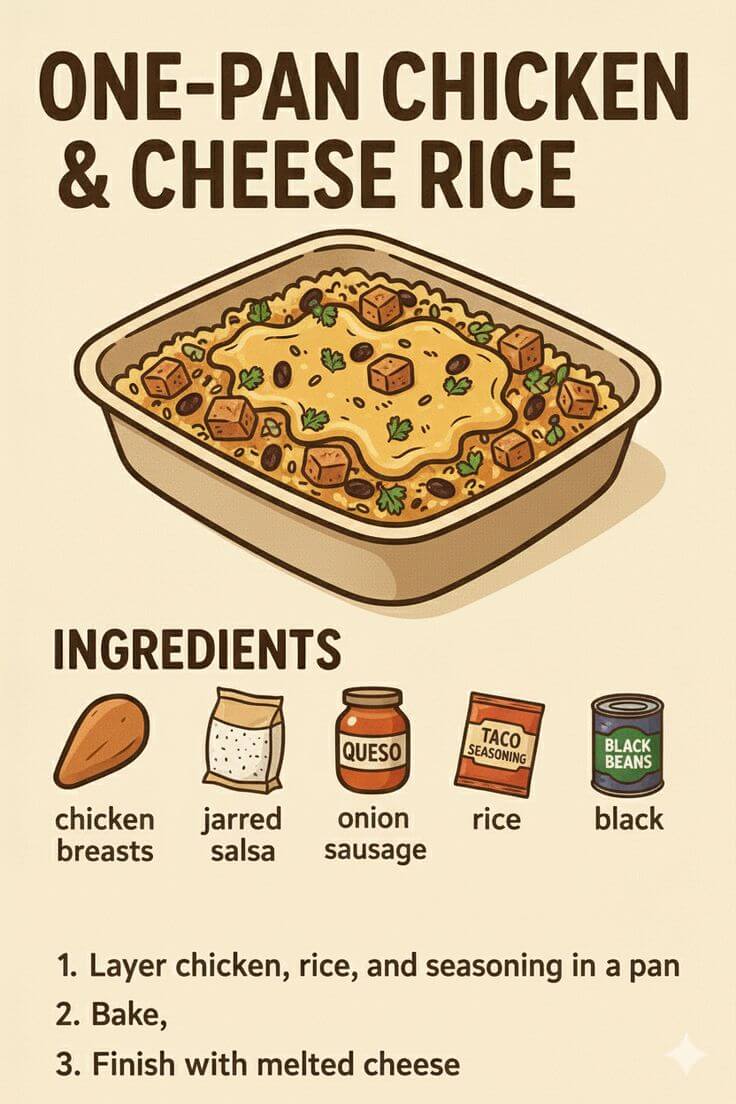
Blogger Template 6
Tips for Creating Successful Recipe Pins
1. Create Compelling Blog Post Headlines on Your Pins
Your blog post headline is the first thing Pinterest users see, so make it count. Use your pin template to showcase a headline that promises value and sparks curiosity.
Headlines that ask questions, make bold statements, or offer specific benefits perform best on Pinterest. Include numbers when possible, like "5 Ways to..." or "10 Tips for..." as they create clear expectations.
Test different headline styles to see what resonates with your audience. A strong headline on your pin template can dramatically increase click-through rates to your blog.
2. Use High-Contrast Text for Blog Topic Clarity
Bloggers need to communicate their post topic instantly through pin templates. Ensure your text stands out clearly against the background image.
Choose font colors that create maximum contrast. White text on dark images or dark text on light images ensures your blog topic is readable at a glance.
Test your pin templates on mobile devices since most Pinterest users browse on phones. If your text isn't readable on a small screen, you'll lose potential blog readers.
3. Include Blog Post Value Propositions on Pins
Tell Pinterest users exactly what they'll learn or gain from reading your blog post. Add value propositions directly on your pin template.
Include phrases like "Step-by-Step Guide," "Free Checklist," or "Expert Tips" to communicate the value of your content. These details help users decide if your blog post matches what they're looking for.
Blog pins that clearly communicate value upfront see higher click-through rates because users know what to expect before clicking.
4. Maintain Visual Consistency Across Blog Content
Build brand recognition by using consistent pin templates across all your blog posts. This helps readers identify your content instantly in their Pinterest feeds.
Use the same color scheme, fonts, and design elements for all your blog pin templates. When someone sees your pin, they should recognize it as your content before reading the text.
Consistent branding builds trust and encourages Pinterest users to follow your boards and visit your blog regularly.
5. Optimize Pin Templates for Blog Traffic
Pinterest is a powerful traffic source for bloggers, but only if your pin templates are optimized correctly. Use vertical formats that take up more screen space in Pinterest feeds.
Include relevant keywords in your pin descriptions that match what your target audience searches for. Pinterest functions as a search engine, so keyword optimization is crucial for blog traffic.
Create fresh pins regularly for your best-performing blog posts. Pinterest rewards new content, so repinning with different templates can boost your blog traffic over time.
6. Design Pins That Match Your Blog's Niche
Your pin templates should reflect your blog's niche and target audience. Lifestyle bloggers need different designs than finance bloggers or tech bloggers.
Choose colors, fonts, and imagery that align with your blog's personality and your readers' expectations. A personal finance blog might use professional, trustworthy designs, while a travel blog could use vibrant, adventurous imagery.
Understanding your audience helps you create pin templates that resonate and drive the right readers to your blog.
7. Test Different Pin Styles for Blog Posts
Not every blog post performs the same on Pinterest. Test different pin template styles to discover what works best for your content.
Try minimalist designs versus bold, colorful templates. Test different headline placements and see which drives more traffic to your blog.
Use Pinterest Analytics to track which pin templates generate the most clicks to your blog. Replicate successful designs for future blog posts to maximize your Pinterest traffic.
8. Create Multiple Pin Variations for Top Blog Posts
Your best-performing blog posts deserve multiple pin variations. Creating different templates for the same post gives you more opportunities to rank in Pinterest search.
Each pin variation can target different keywords or appeal to different audience segments. This strategy helps you reach more potential readers and drive more traffic to your blog.
Don't limit yourself to one pin per blog post. Successful bloggers create 3-5 pin variations for their top content to maximize Pinterest visibility and blog traffic.
Frequently asked questions
Your most important questions about Pinterest pin templates for bloggers answered here.
