




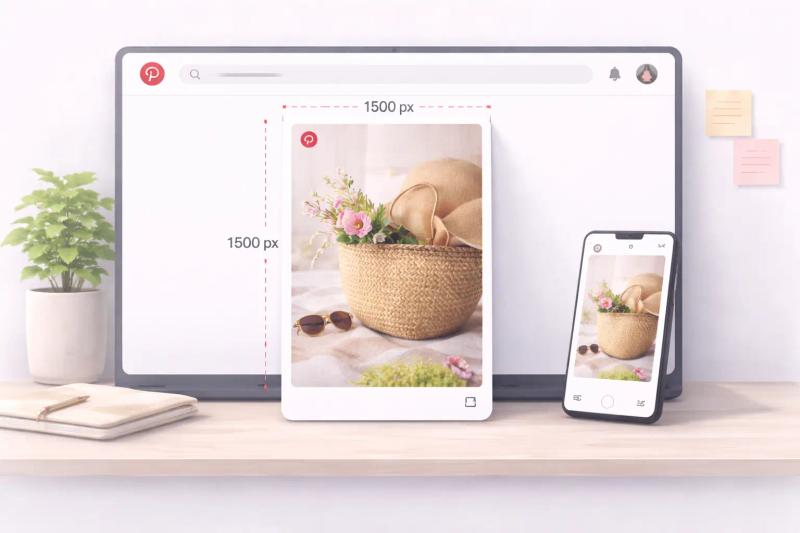
Have you ever designed what felt like the perfect pin, uploaded it to Pinterest, and then noticed something looked off?
Maybe the image was cropped strangely. Maybe the text felt too small. Or worse, the whole design looked blurry in the feed.
It’s frustrating. And most of the time, the issue isn’t your design. It’s the sizing.
Pinterest is a visual search platform.
The way your image is sized and formatted plays a huge role in how it appears, how people engage with it, and whether it gets distributed widely.
In this complete guide, we’ll walk through:
- The ideal size for regular pins
- Recommended image dimensions for different formats
- Board cover photo sizing
- Updated Pinterest specifications
- Aspect ratios that perform best
- Common sizing mistakes to avoid
Here are the exact Pinterest image sizes and specs you need to get it right:
- Best Pinterest pin size: 1000 x 1500 pixels
- Ideal aspect ratio: 2:3 (vertical)
- Max long pin size: 1000 x 2100 (1:2.1 ratio)
- Idea Pin size: 1080 x 1920 (9:16)
- Square pin: 1000 x 1000 (1:1)
- Video pin: 2:3 or 9:16 (MP4, up to 2GB)
- Profile picture: 400 x 400 (square, displays as circle)
- Board cover photo: 800 x 450 (16:9)
If you remember just one thing:
Use 1000 x 1500 pixels (2:3 vertical) for most Pinterest pins.
Pinterest Image Size for Different Formats
Not every pin on Pinterest follows the same format. Depending on what you’re creating, the ideal Pinterest image size can change slightly. Standard pins, square graphics, Idea Pins, carousel posts, and video pins all have different layout behavior inside the feed.
Understanding these differences helps you avoid cropping, awkward previews, or reduced reach.
Let’s break down each format clearly.
1. Standard Pinterest Pin Dimension (Best for Most Content)
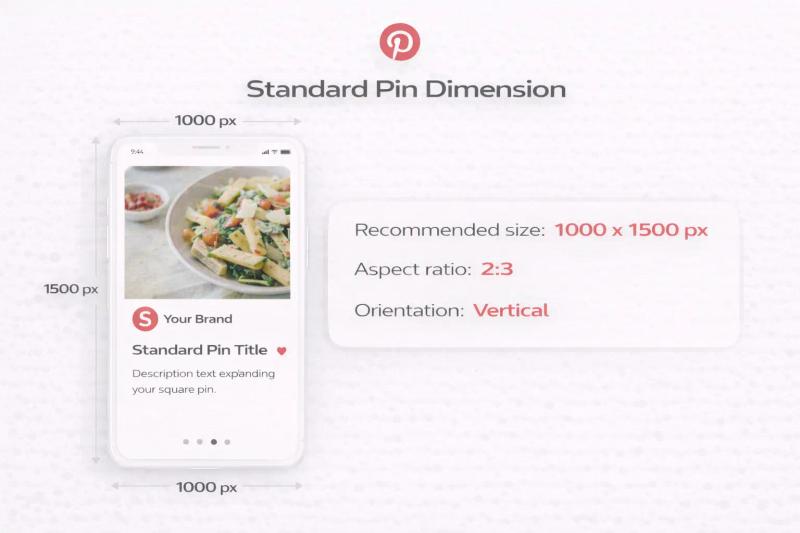
Recommended size: 1000 x 1500 pixels
Aspect ratio: 2:3
Orientation: Vertical
This is the most widely recommended Pinterest pin dimension. It works well for:
- Blog post graphics
- Product pins
- Affiliate marketing pins
- Lead magnet promotions
- Service-based businesses
A 2:3 vertical image takes up more space in the mobile feed, which increases visibility and improves engagement. Pinterest also officially recommends this ratio in their creative guidelines.
If you only remember one Pinterest image size, remember this one.
2. Square Pinterest Pin Size
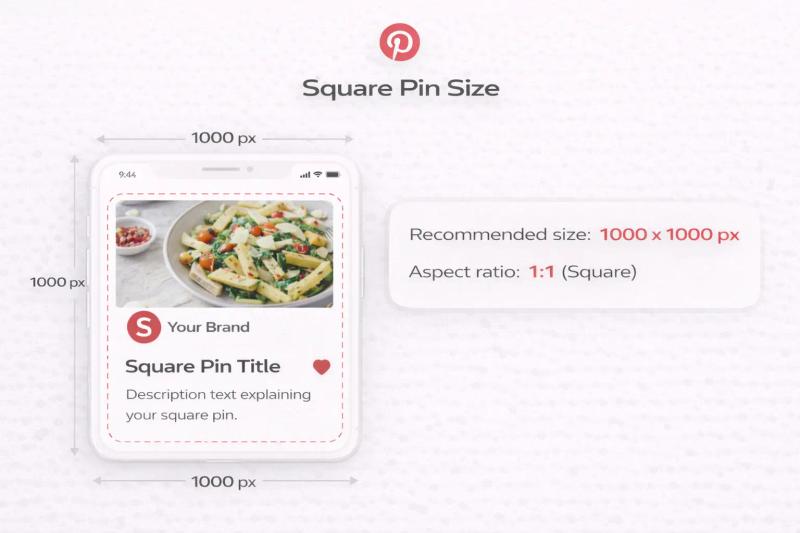
Recommended size: 1000 x 1000 pixels
Aspect ratio: 1:1
Square images are allowed, but they don’t perform as strongly as vertical pins because they take up less vertical space in the feed.
They can work well for:
- Product catalogs
- Minimalist designs
- Brand announcements
However, if growth and traffic are your goal, vertical pins generally outperform square ones.
3. Long Pinterest Image Size (Extended Vertical)
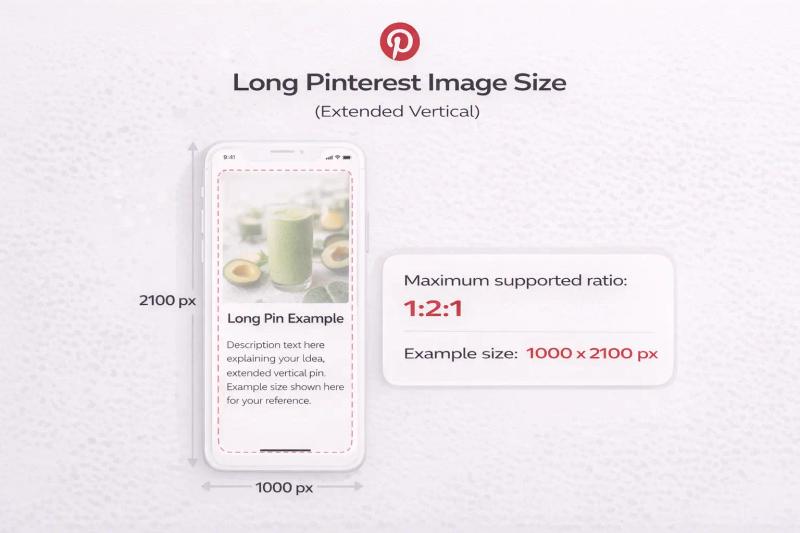
Maximum supported ratio: 1:2.1
Example size: 1000 x 2100 pixels
Pinterest allows longer pins, often used for infographics or step-by-step guides. However, anything taller than a 1:2.1 ratio may get cropped in the feed.
Years ago, very tall pins performed extremely well. Today, overly long graphics can reduce distribution and may require users to tap to see the full image.
Best practice: stay close to 2:3 unless you have a strong reason to go longer.
4. Idea Pin Size (Formerly Story Pins)
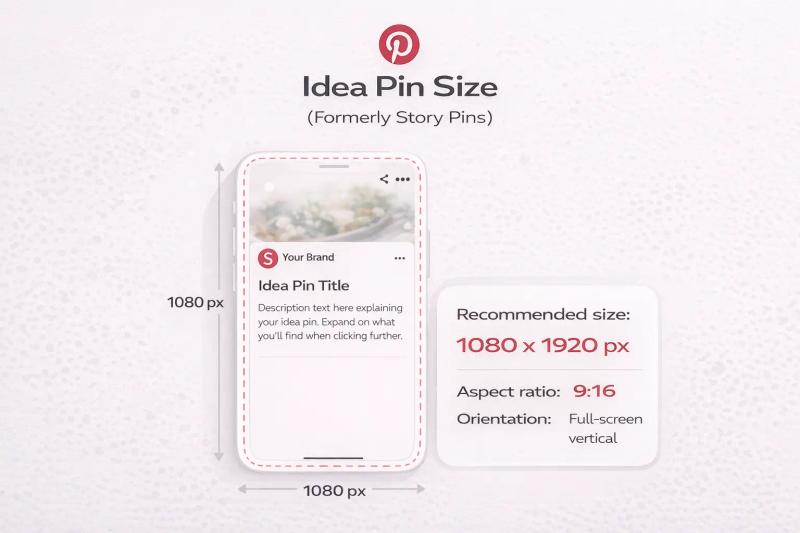
Recommended size: 1080 x 1920 pixels
Aspect ratio: 9:16
Orientation: Full-screen vertical
Idea Pins are immersive, multi-page posts designed for mobile users. They fill the entire screen, similar to story-style content.
They’re ideal for:
- Tutorials
- Recipes
- Before and after transformations
- Step-by-step guides
- Educational content
Because they’re full-screen, you need to leave safe margins at the top and bottom to avoid UI overlap.
5. Carousel Pin Size
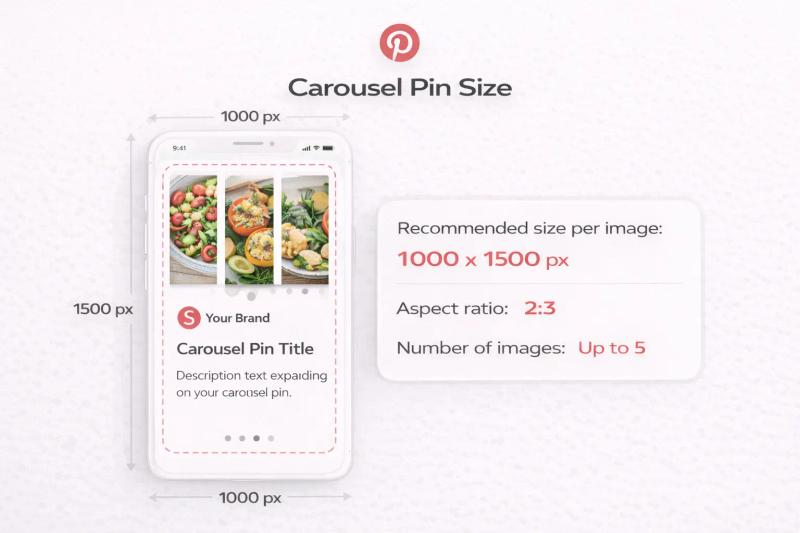
Recommended size per image: 1000 x 1500 pixels
Aspect ratio: 2:3
Number of images: Up to 5
Carousel pins allow multiple images in a single pin. Users can swipe through them.
They work well for:
- Product collections
- Step-by-step processes
- Feature highlights
- Before and after comparisons
For best results, keep every slide consistent in layout and branding.
6. Pinterest Video Pin Size
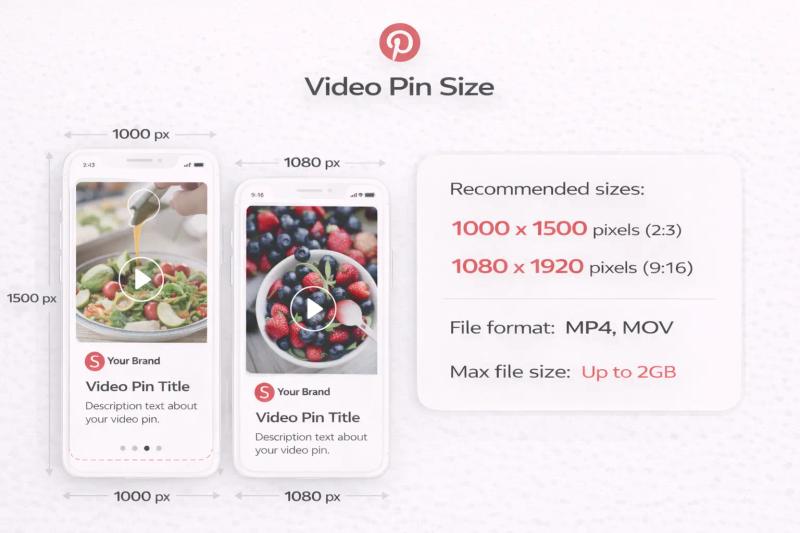
Recommended sizes:
- 1000 x 1500 pixels (2:3)
- 1080 x 1920 pixels (9:16)
File format: MP4, MOV
Max file size: Up to 2GB
Video pins follow similar aspect ratio rules as static pins. Vertical formats perform better because they occupy more space in the feed.
If you're repurposing short-form video content, 9:16 works very well.
7. Pinterest Profile Picture Size
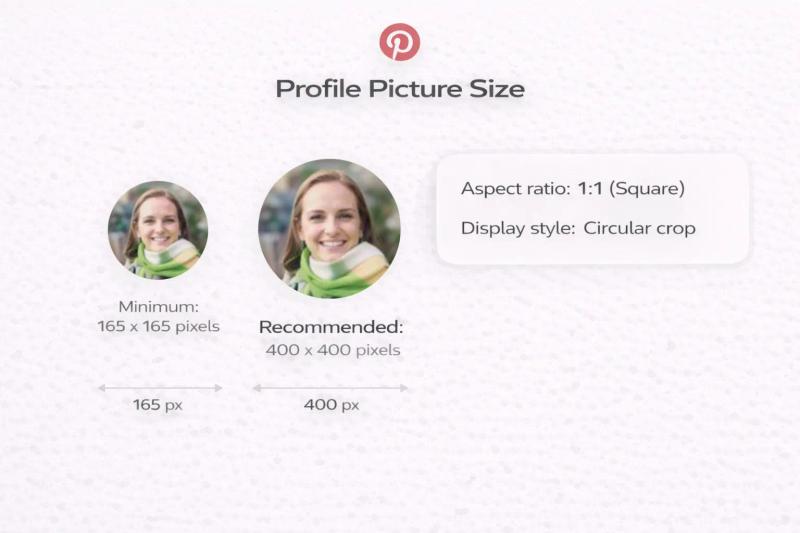
- Minimum: 165 x 165 pixels
- Recommended: 400 x 400 pixels
- Aspect ratio: 1:1 (Square)
- Display style: Circular crop
Even though you upload a square image, Pinterest displays it as a circle. That means anything placed near the corners may get cut off.
Best Practices for Profile Images:
- Keep your logo or face centered
- Avoid placing text near the edges
- Use a clean background
- Ensure high resolution
If you're running a business account, your logo works best. If you're a personal brand, a clear headshot performs better for trust and recognition.
A blurry or poorly cropped profile image can reduce perceived professionalism, especially when users land on your profile from search.
8. Pinterest Cover Photo Size (Board Cover)
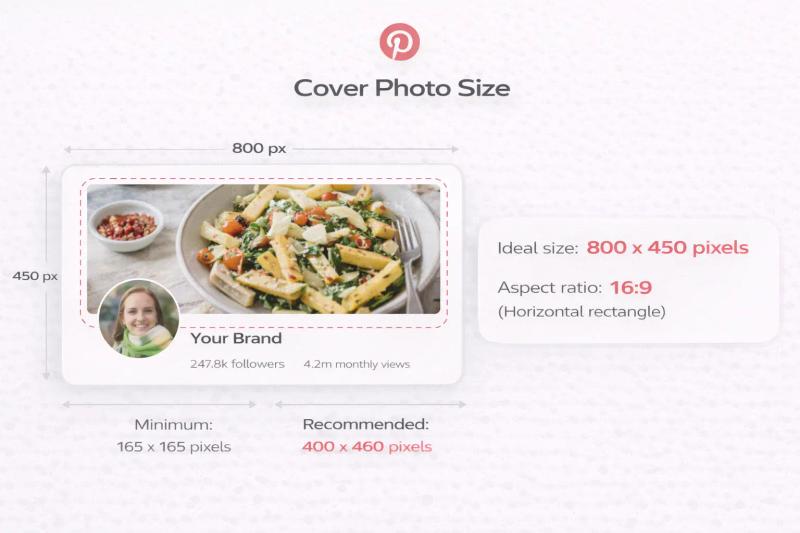
Board covers are often overlooked, but they help organize your profile visually and make it look polished.
When someone visits your Pinterest profile, your boards are displayed in a grid. Each board has a cover image that represents the content inside.
Recommended Pinterest Cover Photo Size:
- Ideal size: 800 x 450 pixels
- Aspect ratio: 16:9 (Horizontal rectangle)
Pinterest automatically crops and resizes board covers, so even if you upload a larger image, it will adjust to fit this format.
Important Cropping Note:
Because Pinterest crops the board cover preview:
- Keep important text in the center
- Avoid placing key elements near the top or bottom
- Test how it looks on both desktop and mobile
Pinterest Ads Pin Specs (Promoted Pins)
When running ads on Pinterest, most creative formats follow the same dimension rules as organic pins. Since we’ve already covered standard Pinterest pin size and image dimensions earlier, this section focuses only on ad-specific details, technical limits, placements, and format differences you need to know.
1. Standard Image Ads (Promoted Pins)
Standard image ads look almost identical to regular pins, except they are labeled as “Promoted.”
Dimension note: Use the same 2:3 vertical format covered earlier for best results.
Ad-Specific Requirements:
- File type: JPG or PNG
- Max file size: 20MB
- Destination URL required
- Ad headline (up to 100 characters)
- Description (up to 500 characters, though shorter performs better)
2. Video Ads (Promoted Video Pins)
Video ads use the same recommended aspect ratios discussed earlier (2:3 or 9:16).
Technical Requirements:
- File format: MP4, MOV, or M4V
- Max file size: 2GB
- Length allowed: 4 seconds to 15 minutes
- Recommended ad length: 6–15 seconds
- Autoplay: Yes (muted by default)
Best Practice for Ads:
- Capture attention in first 2 seconds
- Design for sound-off viewing
- Add captions
- Show product or result early
Pinterest users are often in discovery mode, so quick clarity works best.
3. Carousel Ads
Carousel ads allow multiple images in a single promoted unit.
Ad-Specific Details:
- 2–5 images per carousel
- Each image can have a unique destination URL
- Headline applies to the full carousel
- Consistent branding across slides recommended
This format works well for:
- Product collections
- Feature comparisons
- Step-by-step processes


Generate pins with AI agent on autopilot
Create, schedule, and grow your Pinterest presence effortlessly with AI-powered automation.
Try GenSumo Free4. Collection Ads (Shopping-Focused)
Collection ads are designed primarily for ecommerce brands.
They include:
- One main hero image or video
- Multiple product images pulled from your catalog
Requirements:
- Product catalog integration required
- Works best with Shopify or ecommerce integrations
- Optimized for mobile shopping
These ads turn Pinterest into a visual storefront experience.
Final Thoughts
Getting Pinterest pin size right is not complicated.
Stick to:
- 1000 x 1500 px
- 2:3 ratio
- Vertical format
- High resolution
Whether you're designing blog pins, product pins, affiliate pins, or ads, these Pinterest specs will keep your content optimized and professional.
Frequently Asked Questions (FAQs) About Pinterest Pin Size & Specs
What is the best Pinterest pin size in 2026?
The best Pinterest pin size remains 1000 x 1500 pixels with a 2:3 aspect ratio. This vertical format performs consistently well in the Pinterest feed because it takes up more screen space on mobile devices, where most users browse.
Pinterest officially recommends the 2:3 ratio in its creative guidelines, and it continues to be the safest and most reliable option for organic and promoted pins.
What happens if my Pinterest image is too long?
If your image exceeds a 1:2.1 aspect ratio (for example, taller than 1000 x 2100 pixels), Pinterest may crop it in the feed.
Users might see a truncated version with a prompt to expand the image. Extremely long pins can sometimes reduce distribution compared to standard 2:3 pins.
Can I use square images on Pinterest?
Yes, square pins (1:1 ratio) are supported. A common size is 1000 x 1000 pixels.
However, square images take up less vertical space in the feed, which can result in lower visibility compared to vertical pins. For traffic and reach, vertical 2:3 pins usually perform better.
What is the Pinterest cover photo size for boards?
The recommended Pinterest board cover size is 800 x 450 pixels with a 16:9 aspect ratio.
Pinterest may crop your uploaded image to fit this layout, so keep important text and visual elements centered to avoid cutting them off.
What size should my Pinterest profile picture be?
Use a square image with a recommended size of 400 x 400 pixels. Pinterest displays profile images in a circular crop, so avoid placing key elements near the edges.
A clear logo (for brands) or professional headshot (for personal accounts) works best.
Do Pinterest ads use different dimensions than organic pins?
In most cases, Pinterest ads follow the same dimension guidelines as organic pins. The main differences involve:
- Character limits
- File size limits
- Video length restrictions
- Landing page requirements
- Compliance with advertising policies
So if your pin size is already optimized correctly, you typically won’t need to redesign it for ads.
Does Pinterest compress images?
Yes, Pinterest compresses uploaded images. That’s why starting with a high-resolution file (at least 1000 pixels wide) is recommended.
Uploading small or low-quality images may result in visible blurriness after compression.
Is 1080 x 1920 good for Pinterest?
Yes. A 1080 x 1920 pixel image (9:16 ratio) works well for Idea Pins and video pins.
This full-screen vertical format is especially effective for tutorials, storytelling, and immersive content.
Can I use horizontal images on Pinterest?
Horizontal images are allowed, but they generally underperform compared to vertical pins.
Since Pinterest is mobile-first, vertical images naturally take up more space in the feed and attract more attention.
Do Pinterest pin dimensions affect SEO?
Pinterest image size does not directly impact keyword rankings. However, properly sized pins improve engagement, saves, and click-through rates.
Better engagement signals can improve distribution within Pinterest’s algorithm, which indirectly supports visibility and performance.
If you structure your pins around the recommended dimensions and follow Pinterest’s creative guidelines, your content will not only look better but also perform more consistently over time.
